Case study · Booking Platform
Dink Avenue
A pickleball court-booking application where customers can check available times, select a court, and submit a reservation. Staff can review payments and manage bookings, while owners can review revenue reports and download records. The application is currently being tested with sample venue information.
On a two-person team, I implemented dashboard UI and contributed to landing-page and customer booking screens. My backend work included paid-date revenue reporting, booking exports, and manual-payment verification holds.
- Year
- 2026
- Category
- Booking Platform
- Status
- In Development

The challenges
A pickleball venue needs customers and front-desk staff to work from the same court availability and reservation state. Manual payments introduce an additional problem: a customer can report payment while a reservation is expiring, so staff need a review path that checks availability before recovering a hold. Owners also need reports that distinguish when money was recorded from when a court will be used, with exports that reflect the filters they selected.
Architecture
A Next.js application connects public booking screens and staff tools to Neon PostgreSQL through Drizzle ORM. Shared booking records support manual-payment review, owner finance reports, and filtered booking exports. PayMongo remains a separate configurable payment path.
Review a reported payment
Customers submit a manual-payment receipt. Authorized staff review the payment and can place an eligible booking on a verification hold; recovery rechecks court slots before retaining them.
Query the booking state
Approval records the received amount and payment timestamp. Finance queries group confirmed manual and counter payments by Philippine paid date, while booking reports use the selected schedule and booking filters.
Review and export
Owner reports summarize charges, received amounts, and overpayments. CSV and PDF downloads preserve report filters; booking PDFs read their summary and rows from one read-only snapshot and stream records in batches.
What I built
I implemented dashboard interfaces and contributed to the landing-page UI on a two-person team. My work connected frontend interactions with backend changes for booking review, reporting, and venue operations. The staff screens present reservation and payment states alongside the actions available to the person using them.
I added two ways to choose court times: a list grouped by court and a table for comparing courts against the same hours. Both views use the same selection state. Available, held, booked, blocked, and past slots have distinct labels, and unavailable times cannot be selected. The table also supports horizontal scrolling on phones.
I extended manual-payment review with verification holds for eligible pending or expired bookings. I added database locking and availability rechecks to the hold transition. Slot recovery runs in a transaction, with conflicts returning an explanation. The flow records the staff member’s reason and keeps the booking pending while payment is checked.
I added owner reports that group confirmed manual and counter payments by the date payment was recorded, using Philippine time. The owner can choose a date range and payment method, then review transaction counts and court, fee, and add-on charges by day or method. Amounts received and overpayments remain visible alongside expected charges.
I added filtered booking PDFs and CSV/PDF downloads for the finance reports. For booking PDFs, I read the summary and rows from one consistent database snapshot, fetch records in batches, and stream the document as it is generated. Cancellation handling stops report work if the request is cancelled, while the report preserves the selected date, status, and search criteria.
Current status
This project is currently in development.
Related projects
View all projects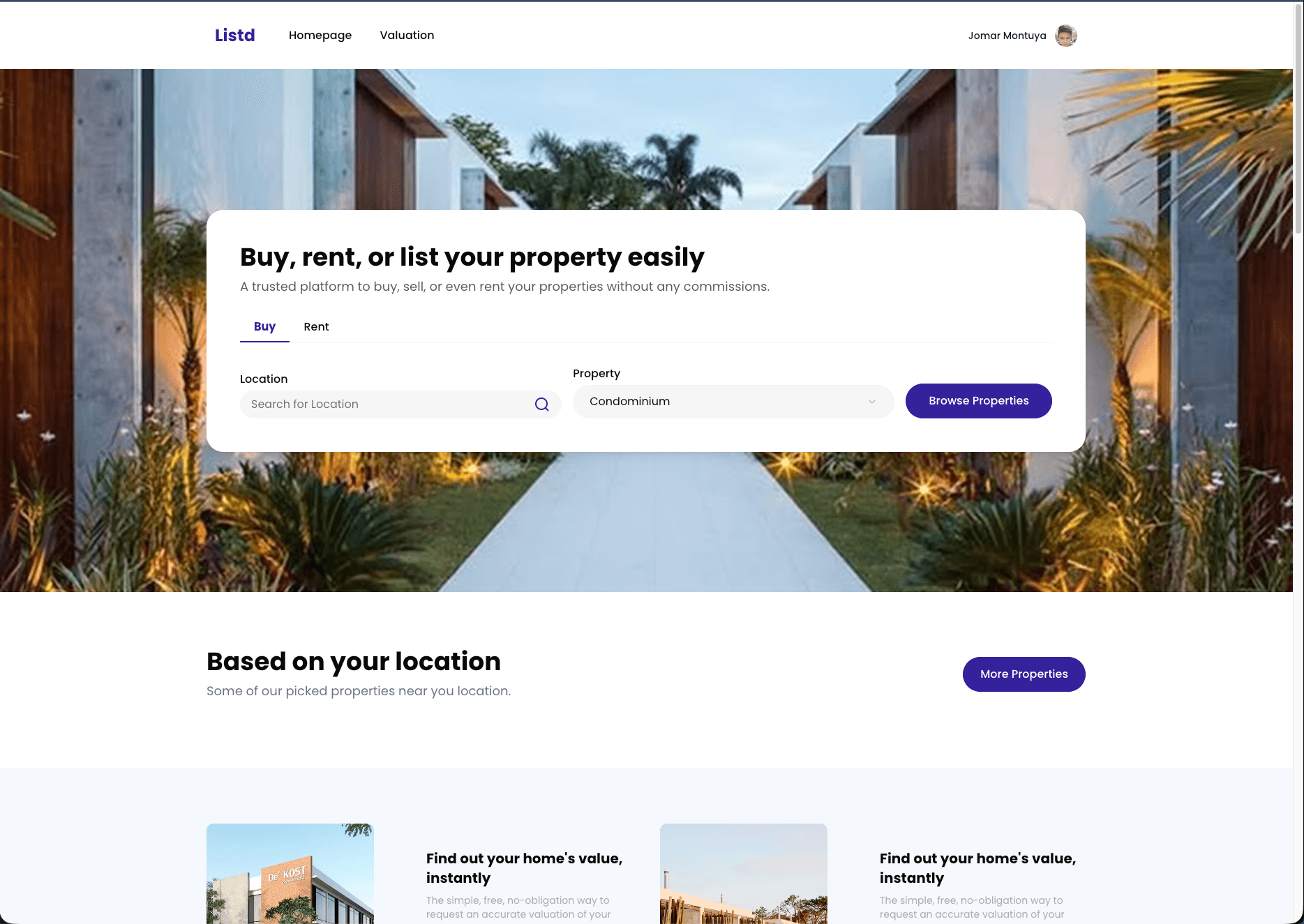
Case study · Real Estate
listd.ph
Helps people explore Philippine properties through search filters and an interactive map. Buyers can contact listing owners and share photos or documents within conversations, while sellers and agents can review AI-assisted price estimates. This connects property discovery with the information needed for further discussions.
Case study · Real Estate
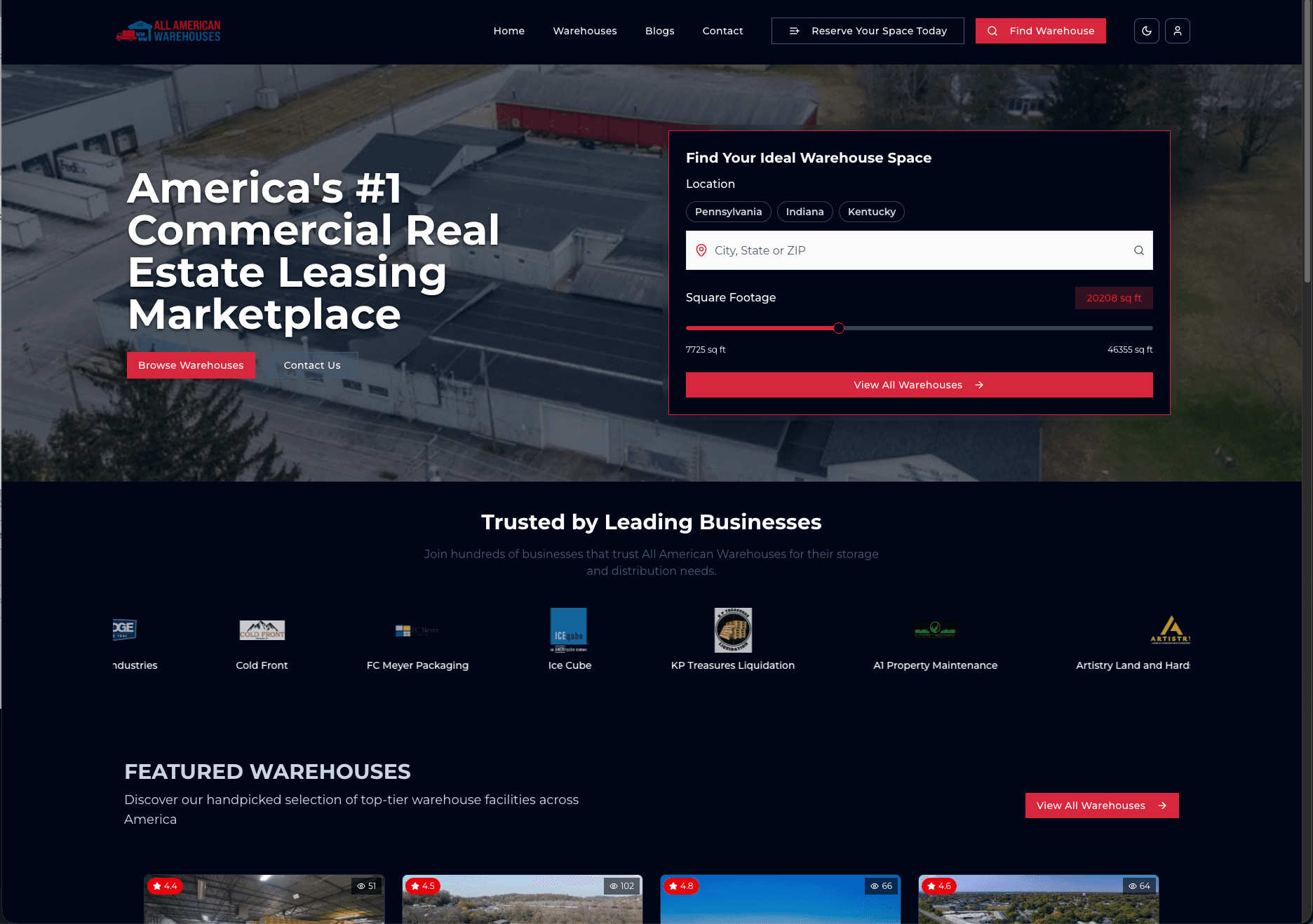
All American Warehouse
Helps people find warehouses that match their space, budget, and building requirements. Users can filter listings, view property photos and documents, and save properties with personal notes. The team manages listing information in one place to keep the website updated.
Case study · SaaS
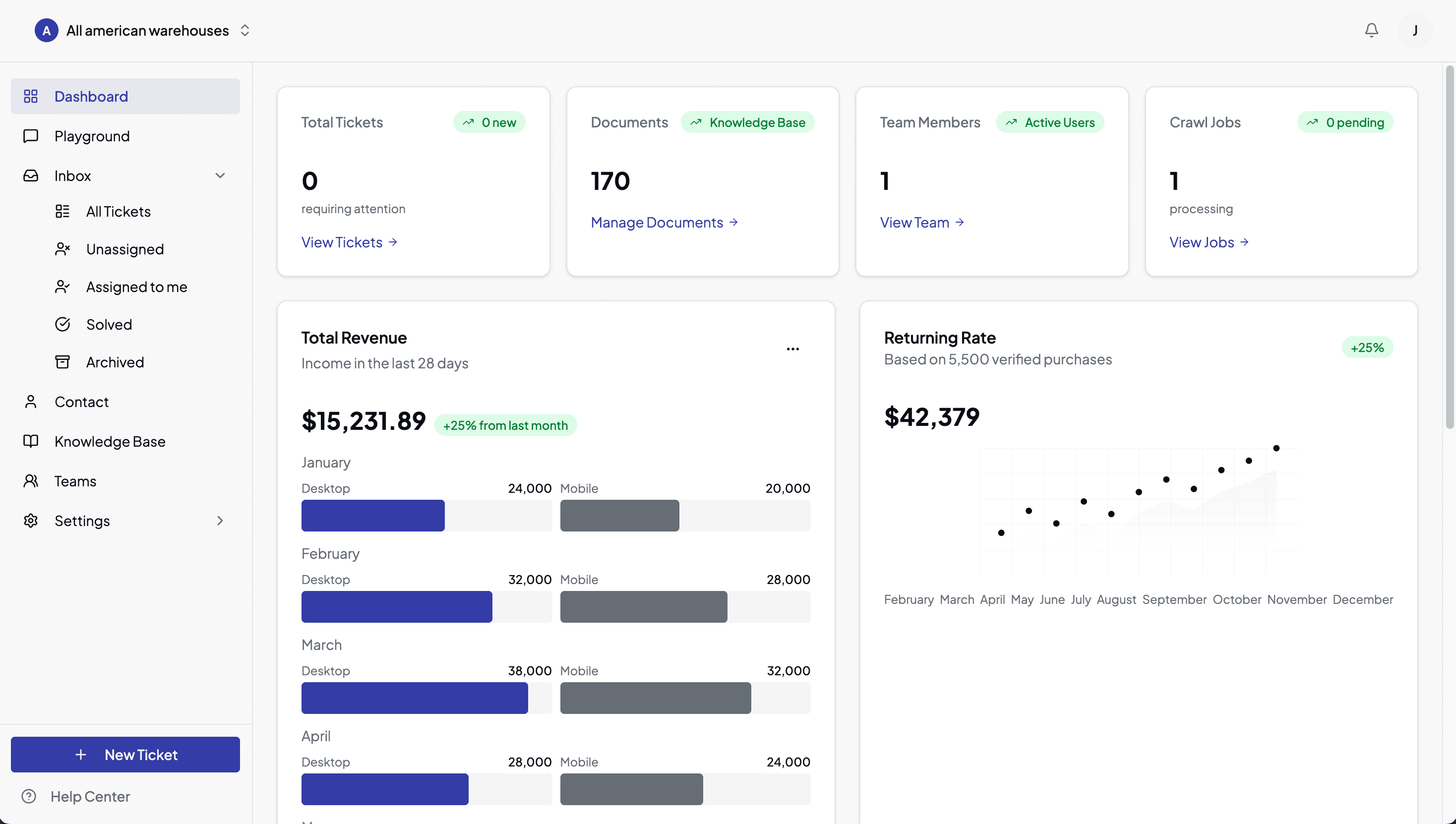
Quick Chat (Medianeth)
A customer-support tool in development that uses a business’s own information to help answer customer questions. It looks for relevant support material before using AI to prepare a response. The goal is to make replies more relevant to the business and its products.